
Voice Typing
Getting started
Let's start using Voice Typing.
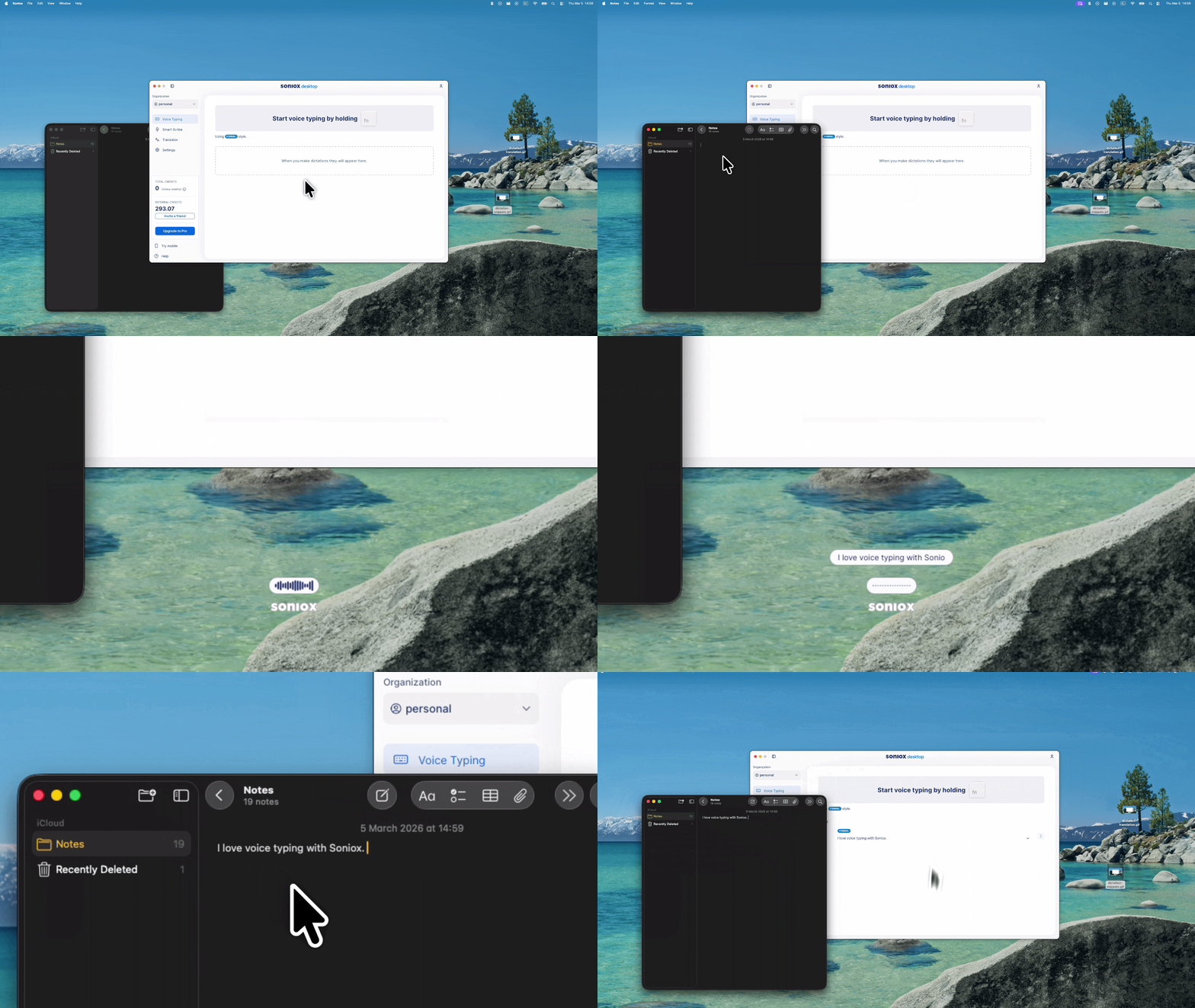
- Go to Home, then press and hold the shortcut key to confirm it's working.
If nothing happens when you press the shortcut key, you might be missing required permissions. Refer to the troubleshooting guide.
-
Great! Now to get voice typing going, go to any text input in any app and hold the shortcut key again.
-
An overlay should pop up. Wait for the status to say Listening before you speak.
-
Let go, and text will be inserted in the selected text box after processing.
-
Your dictation will be saved, and you can find it on the Home screen.