
Using the Desktop App
Welcome to the Soniox Desktop App. The desktop app has these core features:
- Voice Typing - type with your voice in any app.
- Smart Scribe - record long sessions and transcribe them.
- Translator - record sessions while translating them in real time.
Installing the app
You can download the app for free for Windows and macOS. Download the installer from our website to get started.
Open the app and follow the quick onboarding. It will guide you through permissions setup and usage. The Free plan gives you 10 credits each week. The credits are shared between the mobile, web and desktop apps.
Navigating the app
The app has four tabs:
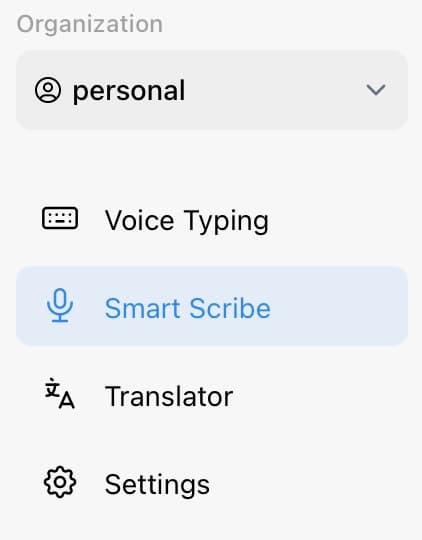
- Voice Typing: See all locally saved dictations.
- Smart Scribe: Record long sessions and transcribe them.
- Translator: Record sessions and translate them in real time.
- Settings: Manage desktop app settings.