
Getting started
Welcome to the Soniox Web App. The web app helps you review, organize, and share your recordings. You record on your phone, and you manage everything here. This guide shows you how to sign in, find your recordings, and use the main tools.
Sign in
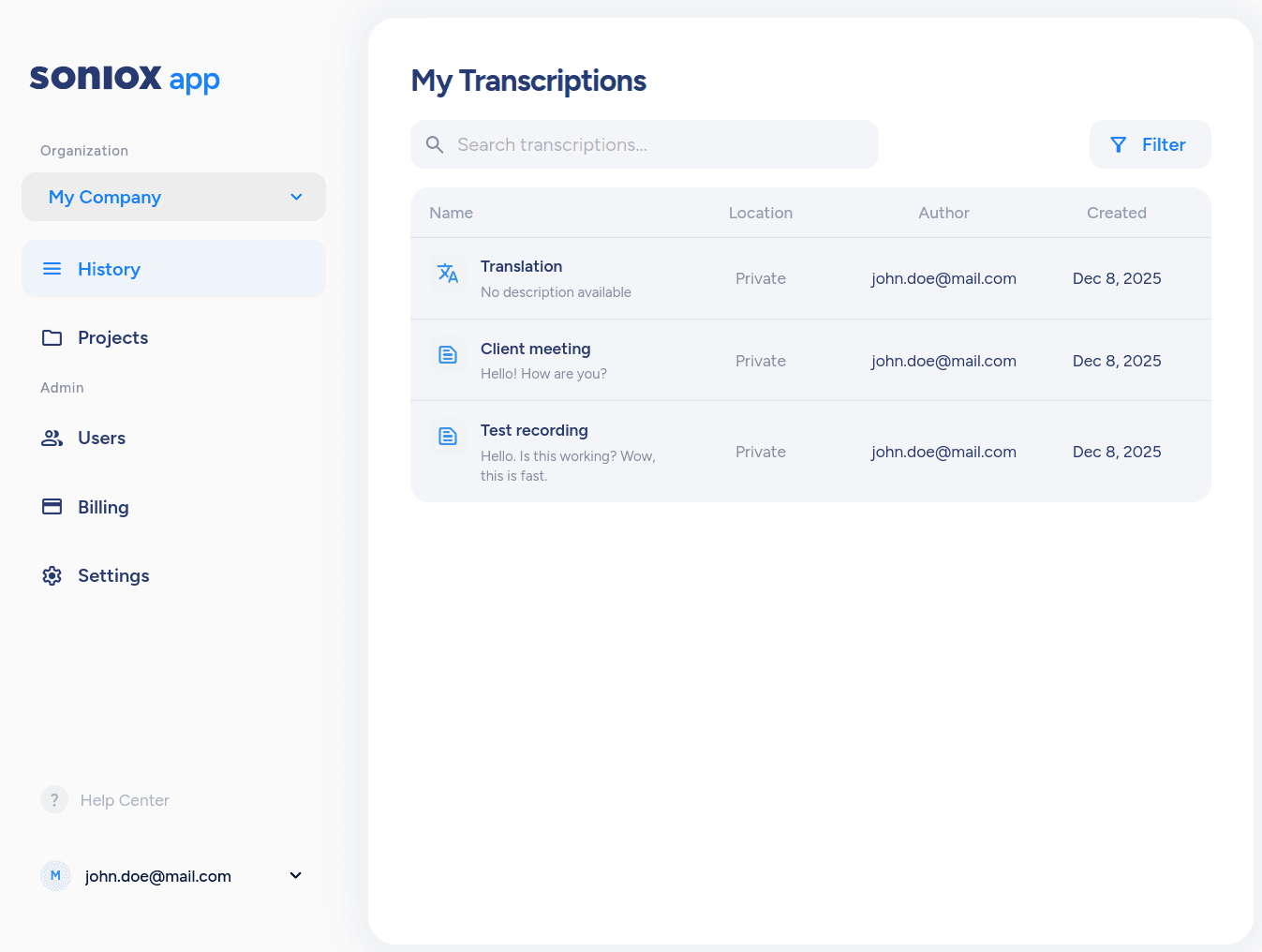
Open app.soniox.com in your browser. Sign in with the same account you use in the mobile app. After you sign in, all synced recordings appear on the History page.
You cannot record audio on the web. Recording works only in the mobile app.
Find your recordings
The History page shows all recordings synced from your phone. If you work in more than one organization, the list shows files for the one you select.
Recording page
Each recording has its own page with the transcript and simple tools.
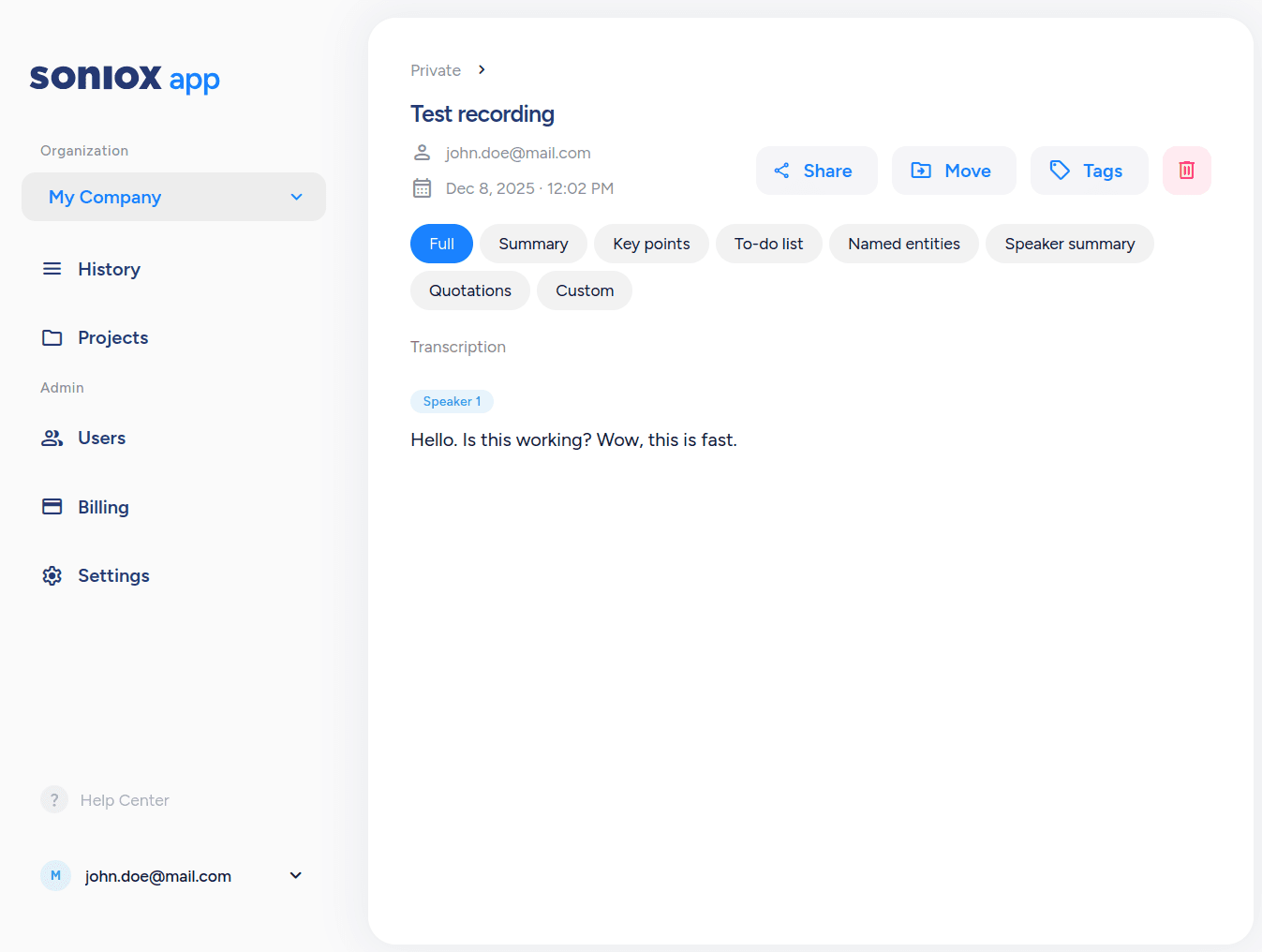
Here you can:
- Read the transcript
- Edit speakers names
- Add tags and move the file to a project
- Run AI actions (Summary, Key points, and more)
- Share or copy the transcript
Manage your workspace
- Switch organizations if you belong to more than one; otherwise you use your default personal one.
- History shows all recordings for the chosen organization.
- Projects group related recordings.
- Use search and filters to find what you need
Make your first edits
If you haven't done already, make your first recording with the Soniox Mobile App: Getting started.
Open any recording and try:
- Rename the recording.
- Edit speaker names.
- Add a tag.
- Run an AI action.
- Share the transcript.